Plan a Film Night Around Captions People Can Actually Use
Start with the experience you are promising
An event listing that says captions available should lead to a clear experience. A guest needs to know whether words will appear on the shared screen, through a device or through a personal playback setting. The organizer needs to know that the correct version can actually display them in the intended room.
Begin the plan with the audience’s practical questions. How will the captions be accessed? Who can help if something stops working? Will the introduction and discussion also be accessible? Answering these questions early turns a broad intention into arrangements people can rely on. It also gives you time to discover a missing file or incompatible system before the audience arrives.
A useful invitation can state the arrangements already confirmed and provide a contact for questions that remain. Keep the request focused on what would enable participation. You usually need to understand the practical adjustment, not collect a guest’s medical history. This approach also helps the organizer distinguish a confirmed feature from an option that still needs checking before it can be promised.
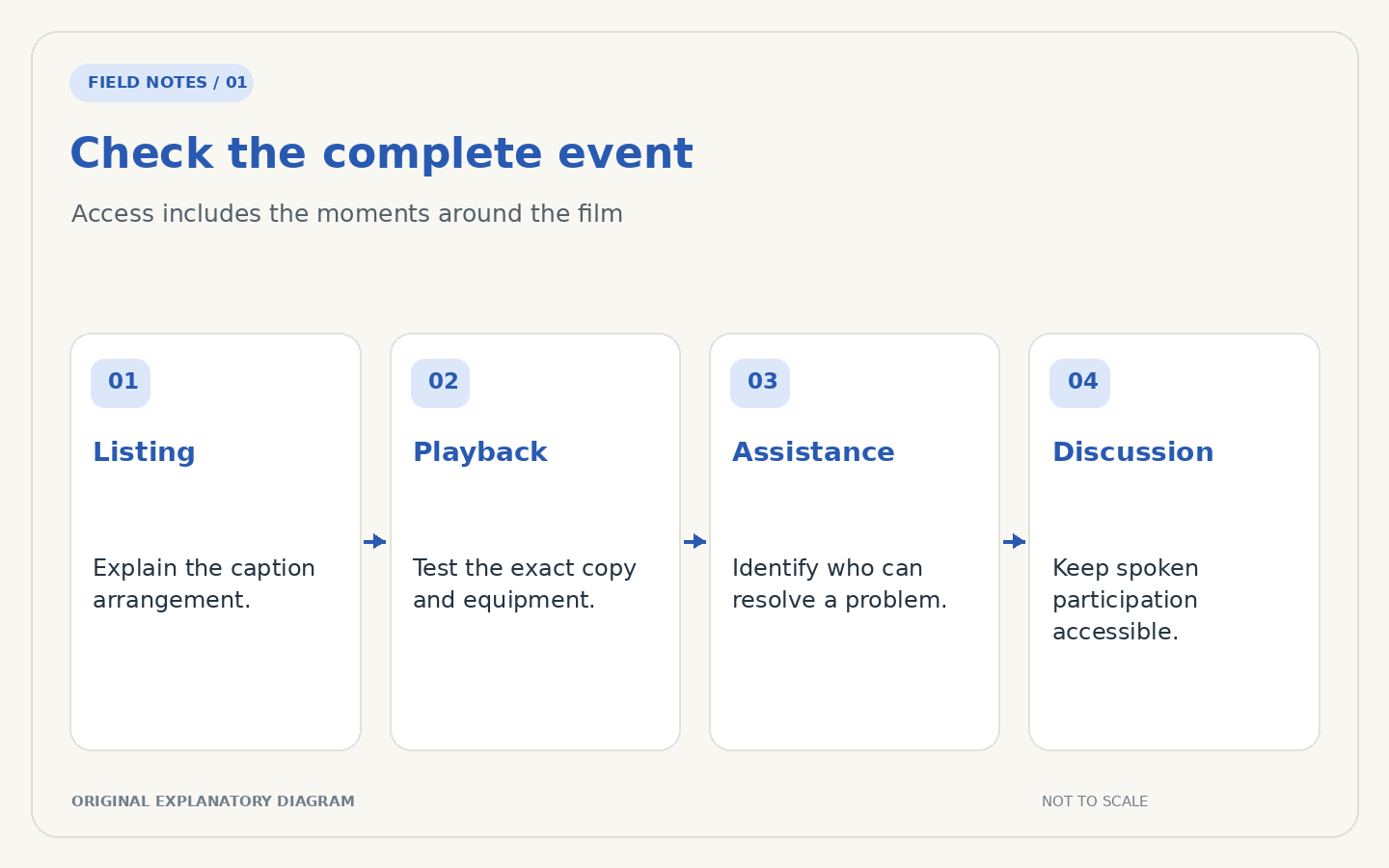
Check the whole event, not only the film
A screening can include a welcome, a recorded feature, a guest conversation and audience questions. These parts may require different access arrangements. Do not assume that a captioned film makes the spoken introduction or discussion accessible by association. List each part and decide how its essential information will be communicated.
W3C’s planning guidance distinguishes prerecorded and live media, and asks what audio or visual information people need to understand the content. It also treats the media player as part of the accessibility plan. Although written for web media, that way of separating components is useful when planning a mixed film event. [1]
Name the caption arrangement clearly
Open captions appear on the shared picture; closed captions are accessed through a selectable track or compatible delivery system. Describe the arrangement in ordinary language on the event page. A short sentence such as captions will remain visible on the main screen is more useful than an unexplained abbreviation.
The US Department of Justice’s movie-theatre provisions distinguish open and closed movie captions and address equipment, public notice and staff assistance for covered digital cinema screenings. That is a specific regulatory context. For any event, the practical lesson is to connect the advertised feature with working delivery and available help rather than treating a caption label as sufficient by itself. [2]
Test the exact version in the exact setup
Use the actual film copy, playback device and display planned for the event. A caption track that works on one computer may not establish that the room’s chosen workflow is ready. Start with the normal operating steps so the test includes opening the media, selecting the track and making the picture visible.
Check several passages, including dialogue, a change of speaker and meaningful non-speech audio. Confirm that captions remain synchronized and that the image is not cropped. If the film has several language tracks or editions, record which one was checked. The final note should allow another organizer to reproduce the setup without guessing which similarly named file you used.
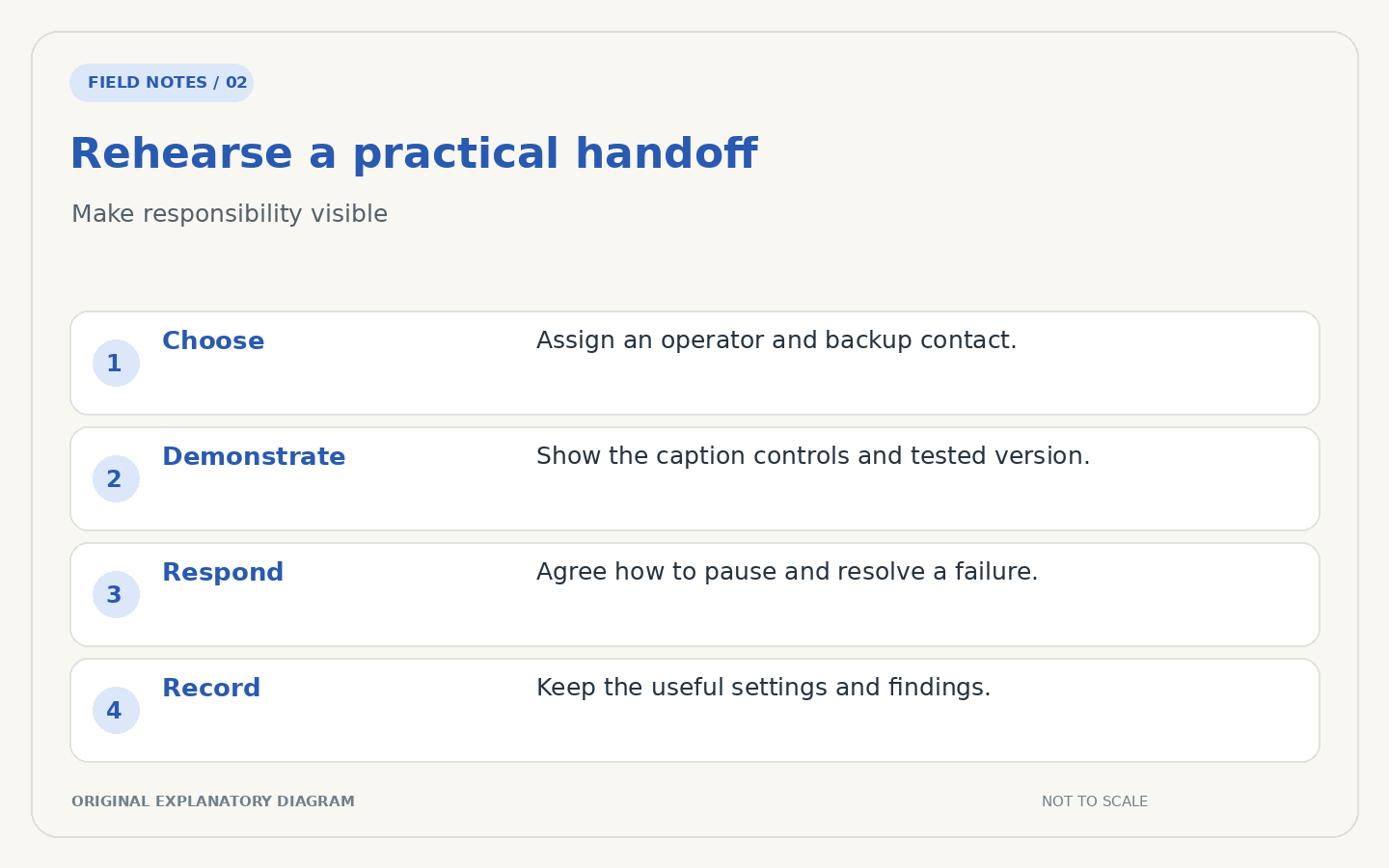
After the rehearsal, close and reopen the media using the planned workflow. Confirm that the selected track and display settings can be restored. An event can fail at a handoff even when a feature worked during an earlier test. Record the few steps that matter in a short operator note, including the checked file name and where the caption control is located.
Review the view from actual seats
Read the captions from the positions people will occupy. Check the front, back and any seating area with a different viewing angle. An organizer standing beside a projector has not tested the experience of a guest looking past other people or across a wide room.
Invite feedback from people who use captions when possible, and compensate substantive access-review work when the project has a budget for it. Ask specific questions about readability, timing and how help would be requested. Avoid treating one person’s preferences as a universal answer. Their review should improve the plan while leaving room for different needs among the audience.
Give assistance a clear owner
Choose a person who can operate the system and respond during the screening. They should know where the relevant controls are and how to pause the event without creating confusion. If individual devices are used, include their readiness and distribution in the rehearsal rather than improvising at the door.
Make the help route visible in the welcome information. A guest should not have to announce a personal hearing history to obtain assistance. A simple signal, a clearly identified staff member or another agreed method can work. The important point is that someone has responsibility and the audience knows how to reach them. An unassigned task tends to become the guest’s problem when something fails.
Prepare a response to an access failure
Decide beforehand what happens if captions disappear, drift badly or become unreadable. A pause to restore access may be the appropriate response. If the problem cannot be resolved, communicate the options clearly instead of continuing while the affected audience loses part of the film.
The plan should fit the event and the available resources. It could include a checked alternative playback route or a way to reschedule access to the material. Test any alternative you intend to rely on. A reassuring promise is not a contingency if nobody knows whether it works. Record the decision so volunteers and guest speakers understand the same procedure.
Keep the discussion accessible too
After the credits, resist the temptation to abandon the arrangements that made the screening usable. Introduce speakers clearly, manage turn-taking and use the planned access method for audience contributions. If a question is submitted in writing, make its content available to everyone participating in the discussion.
A moderator can help by preventing overlapping exchanges and by summarizing which question is being addressed. Those are practical facilitation choices, not a substitute for required communication access. Include the discussion in the published event information so guests can decide how to participate. A thoughtful final conversation should not depend on a person discovering, too late, that the accessible portion ended with the film.
Carry useful findings into the next event
Afterward, record any concrete problem and the change that would address it. A note that captions vanished after switching inputs is actionable; a general statement that accessibility was difficult is much less useful. Ask guests for feedback without requiring them to provide a public account of their disability.
Keep successful settings and checked versions in the event record, then verify them again when equipment or material changes. Accessible cinema is made through a chain of practical decisions: accurate information, compatible content, a readable view and a person ready to help. When that chain works, the audience can spend its attention on the film and the conversation it creates.
Sources
- Planning Audio and Video Media — World Wide Web Consortium, Web Accessibility Initiative
- ADA Title III Regulations: Movie Theater Captioning and Audio Description, §36.303(g) — US Department of Justice